Beginner’s Guide to AI Automation (No Code): Start Fast Without Coding
AI automation used to require a computer science degree and months of training. Now anyone can build useful AI tools in minutes without writing a single line of code.
11/27/20254 min read
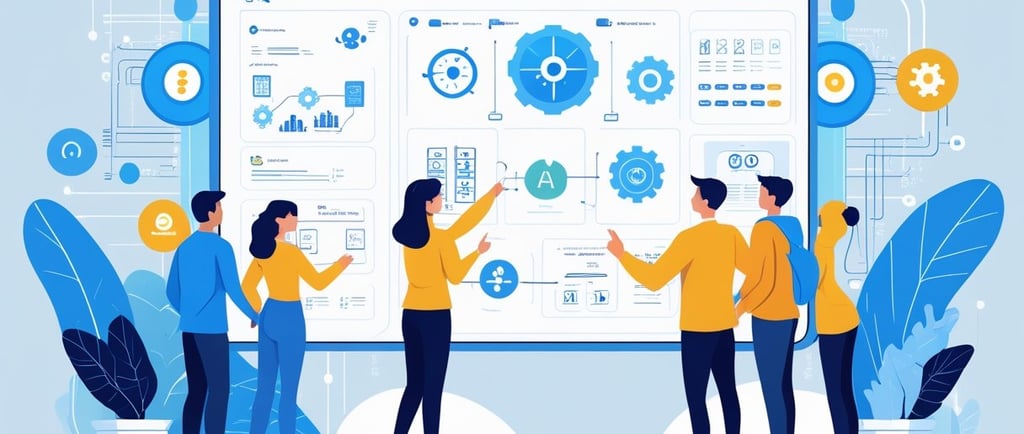

No-code AI automation lets people create smart assistants that handle repetitive tasks like summarizing emails, organizing data, and responding to customer messages using simple visual tools and pre-built templates.
The key is understanding how AI automation works and which tools make it accessible to beginners. These systems connect AI models like ChatGPT to everyday apps through platforms that use drag-and-drop interfaces instead of programming languages. A person can set up triggers, actions, and workflows that run automatically in the background.
This guide walks through the basic ideas behind no-code AI automation and shows how to build actual working systems. Readers will learn what these tools can do, how to choose the right platforms, and the steps to create their first automated workflow from start to finish.
Essential Concepts of No-Code AI Automation
No-code AI automation combines artificial intelligence capabilities with visual tools that require zero programming knowledge. These platforms use drag-and-drop interfaces and pre-built components to let anyone create smart automated workflows.
What Is No-Code AI Automation?
No-code AI automation refers to building intelligent automated systems without writing traditional code. Users connect AI tools and services through visual interfaces to create workflows that can make decisions, process data, and take actions automatically.
The technology works by combining two key elements. First, it uses no-code platforms that provide visual builders instead of requiring programming. Second, it integrates AI capabilities like natural language processing, image recognition, or predictive analysis into these workflows.
A practical example helps clarify this concept. Someone might build an automation that reads customer emails, uses AI to understand the sentiment and topic, then routes each message to the right department. This entire system can be created by dragging and dropping components in a visual interface.
The approach makes AI development accessible to business users, marketers, and operations teams. They can solve real problems with artificial intelligence without depending on developers or data scientists.
How No-Code Platforms Enable AI Solutions
No-code platforms enable AI solutions through three main mechanisms. They provide pre-built connections to AI services, offer visual workflow builders, and handle technical complexity behind the scenes.
Most platforms connect directly to AI providers like OpenAI, Google Cloud AI, or AWS services. Users simply authenticate their accounts and can immediately access powerful AI capabilities through simple interface elements.
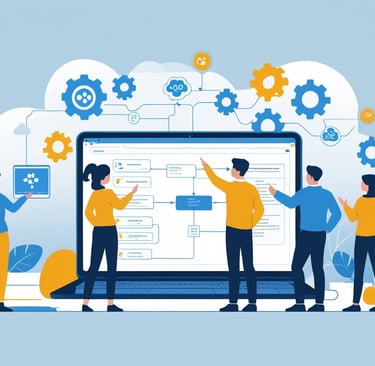
The drag-and-drop interfaces let users design logic visually. They place triggers, conditions, and actions on a canvas and connect them with lines. This visual representation makes it easy to understand how data flows through the system.
Behind the scenes, these platforms manage API calls, data formatting, error handling, and scaling. Users interact with simple forms and dropdowns while the platform translates their choices into working technical implementations.
Popular No-Code AI Platforms and Tools
Several established platforms dominate the no-code AI automation space. Each offers different strengths for building intelligent workflows.
Zapier connects over 5,000 apps and includes AI features through its built-in tools and OpenAI integration. It works best for simple linear workflows that connect business applications.
Make (formerly Integromat) provides more advanced visual workflow capabilities. It displays data flow in real-time and offers powerful data transformation features alongside AI integrations.
n8n gives users a self-hosted option with extensive customization. It includes native AI nodes for various services and allows unlimited workflow complexity.
Other notable tools include Bubble for building full AI-powered applications, Airtable for AI-enhanced databases, and specialized platforms like MonkeyLearn for text analysis tasks. Each platform serves different use cases from simple automations to complete AI applications.
Building and Automating Workflows Without Code
No-code tools let users create automated workflows and AI agents by connecting apps and services through visual interfaces. These platforms make it possible to build chatbots, use machine learning models, and automate business tasks without writing code.
Creating Automated Processes With No-Code Tools
No-code automation platforms use drag-and-drop interfaces to connect different apps and create workflows. A workflow starts with a trigger, like a new email or form submission, and then performs actions across multiple tools.
Users can build workflows that move data between apps, send notifications, or update records. For example, a workflow might save email attachments to cloud storage and send a Slack message when complete. These platforms include connectors for hundreds of popular apps.
The process involves three main parts:
Triggers that start the workflow
Actions that perform tasks
Logic that controls when things happen
Most platforms offer templates for common workflows. Users can start with a template and customize it to fit their needs. Testing tools help catch errors before workflows go live.
Developing AI Agents and Chatbots
AI agents and chatbots handle tasks like answering questions, qualifying leads, or processing requests. No-code platforms make it possible to build these tools using visual builders and pre-built AI components.
Chatbots use natural language processing to understand what people ask and respond appropriately. Users set up conversation flows by defining questions, answers, and possible paths through a chat. The chatbot can pull information from databases or connect to other systems to complete tasks.
AI agents go beyond simple chatbots. They can make decisions, trigger workflows, and take action without human input. For instance, an agent might read support tickets, categorize them by urgency, and route them to the right team member.
These tools learn from interactions and improve over time. Users don't need to understand how the AI works to build effective agents and chatbots.
Leveraging Pre-Trained and Machine Learning Models
Pre-trained models bring machine learning capabilities to no-code platforms without requiring data science knowledge. These models handle tasks like image recognition, content generation, and sentiment analysis.
Machine learning models are already trained on large datasets. Users connect them to their workflows through simple integrations. A business might use image recognition to automatically tag product photos or natural language processing to analyze customer feedback.
Common pre-trained models include:
Text analysis for sentiment and classification
Image recognition for object detection
Language models for content generation
Translation for multilingual support
Users access these models through APIs that no-code platforms connect automatically. The models process data and return results that workflows can use. This approach makes advanced AI applications accessible without the need for programmers or technical training.


Contact
Questions? Reach out anytime.
hello@insideaihub.com
© 2025. All rights reserved.